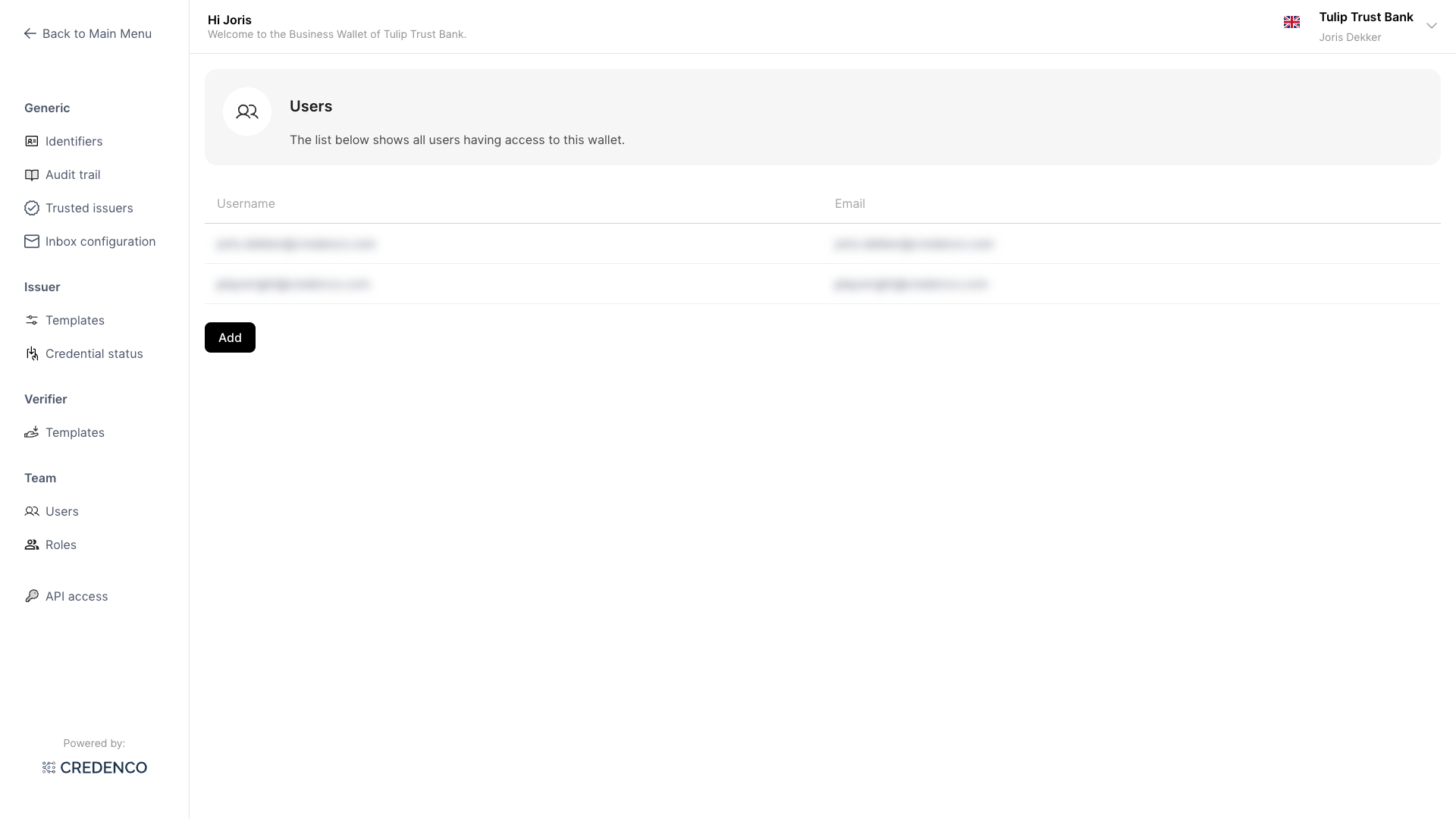
User Management Overview
The Business Wallet includes user and role management features that allow you to control who has access to your wallet and what they can do. You can add and remove users, assign roles, and configure permissions to match your organization's needs.
What you can do
- Manage users — Add, edit, and remove users who can access your wallet
- Manage roles — Create and configure roles with specific permissions
- Send a password reset email — Help a user regain access to their account
How to access
- Open the left sidebar.
- Click Settings.
- Under Team, you will find Users and Roles.